CISA’s guidance on multi-factor authentication opens with a sentence worth remembering: any MFA is better than no MFA. A second step stops a large share of attacks that rely on a stolen or guessed password. The rest of the guidance is about a harder question, which second steps hold up when an attacker is actively trying to get past them.
Why strength varies
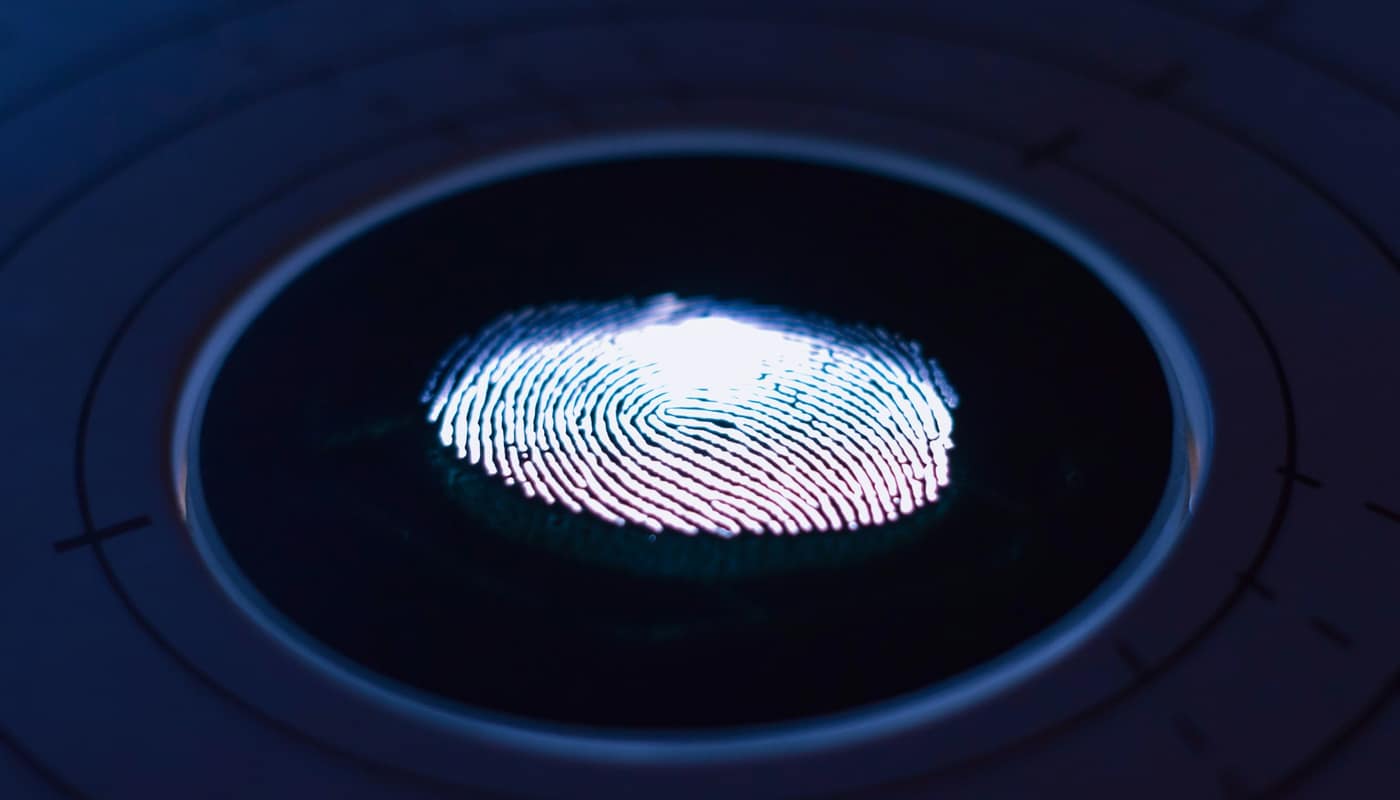
Multi-factor authentication combines at least two kinds of proof: something you know, such as a password, something you have, such as a phone or a security key, and something you are, such as a fingerprint. The weakness in many second steps is not the factor itself but whether it can be handed to an attacker. A six-digit code is only as safe as the page you type it into, and a fake page will gladly pass it along.
CISA sorts MFA types into tiers from strongest to weakest, and the line between them is phishing resistance.
Text messages and calls
Codes sent by SMS or voice call are the most familiar and the most criticized. The US National Institute of Standards and Technology classifies the use of the public phone network for out-of-band authentication as a “restricted” authenticator in its current digital identity guidelines. An organization may still use it, but only after it has offered an unrestricted alternative, warned users about the risks and planned a migration. The risks include interception and SIM swapping, in which an attacker persuades a carrier to move a victim’s number to another SIM.
SMS is still far better than no second step, and some services offer nothing else. It is simply the method to move away from when a choice exists.
Authenticator apps and push approvals
Authenticator apps generate codes on the device, so nothing travels over the phone network. That removes the interception risk, but not the phishing one: a user can still be tricked into typing the code into a fake site.
Push approvals, where an app asks you to tap “approve,” have a weakness of their own. Attackers who already have a password can trigger repeated prompts until a tired or confused user accepts one. CISA calls this mobile push bombardment and advises that, where phishing-resistant MFA is not possible, organizations consider number matching, which makes the user enter a number shown on the login screen. That blocks blind approvals, though a convincing fake can still relay the number.
Security keys and passkeys
At the top of CISA’s hierarchy is FIDO/WebAuthn authentication, which it calls the only widely available phishing-resistant authentication. These methods use cryptography tied to the real website, so a lookalike page cannot obtain a usable response. Hardware security keys and passkeys both use this approach.
NIST’s current guidelines point the same direction. At its second assurance level, services are required to offer at least one phishing-resistant option, and federal agencies must require phishing-resistant authentication for staff and contractors.
| Method | Phishing resistant? | Main weakness |
|---|---|---|
| SMS or voice code | No | SIM swapping, interception, fake sites |
| Authenticator app code | No | Code can be typed into a fake site |
| Push approval | No | Repeated prompts; hasty approvals |
| Push with number matching | Partly | A convincing fake can relay the number |
| Passkey or security key | Yes | Recovery, device loss, uneven support |
Where to start
The accounts that unlock all the others come first. Your email is the master key, since a password reset on any other service lands there, so give it the strongest method available. Next come financial accounts, then cloud storage and password managers, then work and social accounts. When a service offers a choice, pick a passkey or security key first, an authenticator app second and SMS last.
Recovery deserves the same attention as sign-in. Keep the backup codes a service gives you somewhere safe, register a second device or spare key for important accounts, and secure the phone number and email address attached to recovery, because attackers target those too. Social engineering also remains a threat to every method on this list: nobody legitimate will ever need you to read out a one-time code, and the messages used to extract them are becoming more convincing, as we describe in our piece on AI-assisted phishing.
For organizations, the same logic scales up. Phishing-resistant methods go first to administrators and anyone with access to sensitive systems, weaker methods are phased out over time, and staff are trained never to share codes. Our guide to ransomware basics shows why that sequence matters: stolen credentials are one of the most common ways in.
This is general information, not a substitute for professional security advice.